 |
 |
2025 took us a step further in connecting thinking with doing — and your ideas shaped so much of it.
As we wrap up the year, we’d love for you to look back with us at what we built together. (Heads up: this one’s a big recap!)
|
2025 took us a step further in connecting thinking with doing — and your ideas shaped so much of it.
As we wrap up the year, we’d love for you to look back with us at what we built together.
|
| Look Back at 2025 |
| Look Back at 2025 |
|
|
 |
Helping Ideas Take Shape |
|
|
Think bigger and dive deeper |
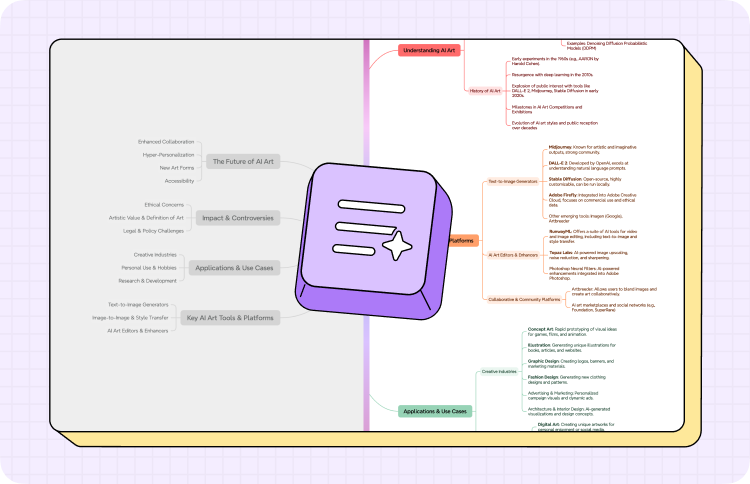
Use Map Refine to build on the outline you already have or help your ideas take on a fuller, smarter shape without breaking your flow. |
|
|
Reshape chaos into clarity |
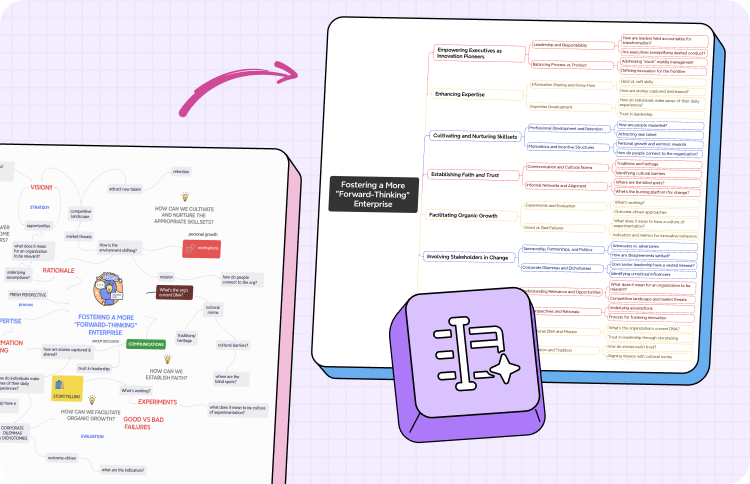
Bring order back to messy mind maps instantly with Reorganize. One click straightens layouts and restores a clean, readable flow.
|
|
|
Turn YouTube into insights |
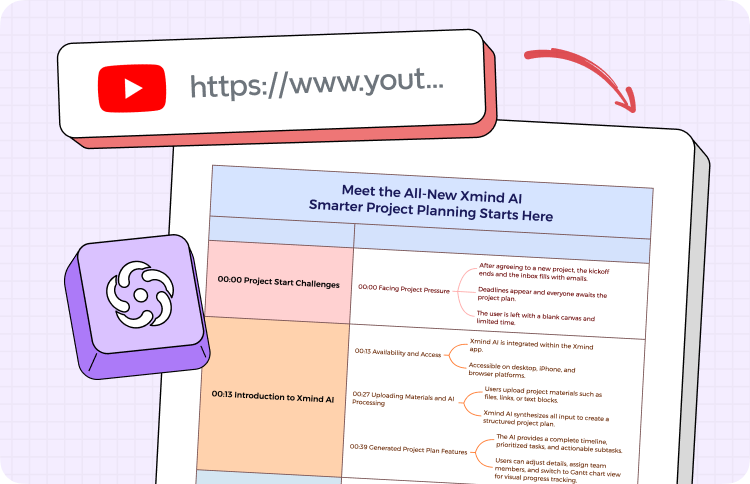
Summarize any YouTube video into a mind map for studying, researching, or teaching — no more pausing or rewinding needed. |
|
|
|
|
Collaborate from anywhere |
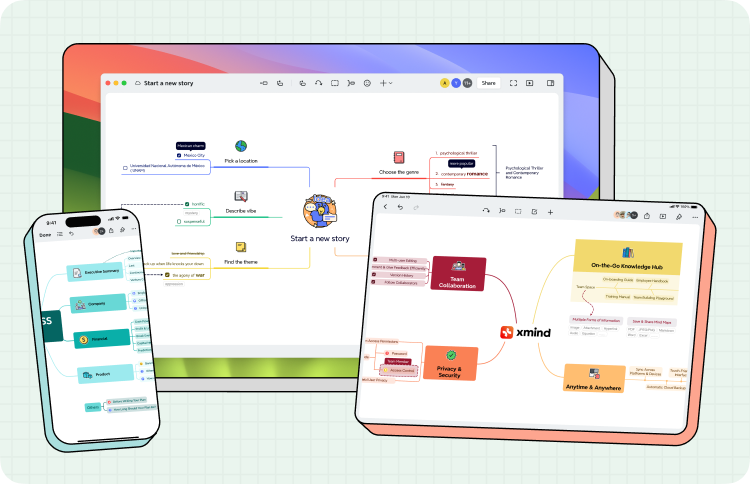
Keep everyone aligned across desktop, mobile, and web, so your team always moves in the same direction.
|
|
|
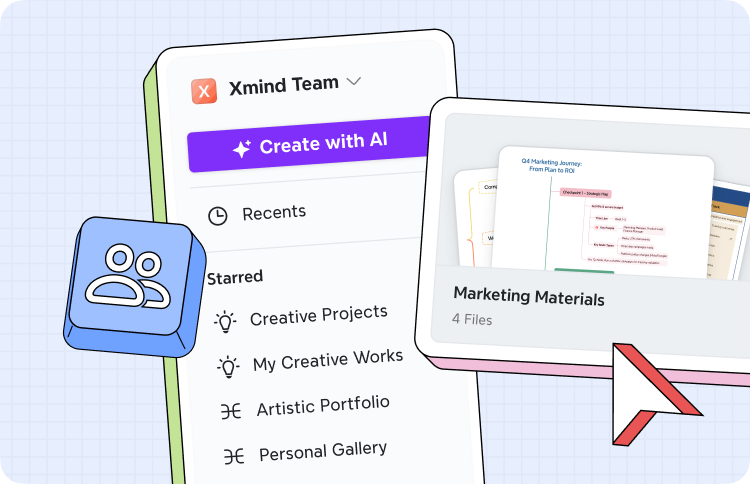
Organize your team with Space |
Create a separate Space for each project under one team, so maps, docs, and workflows stay organized and never get mixed up. |
|
|
Project Management, Reimagined |
|
|
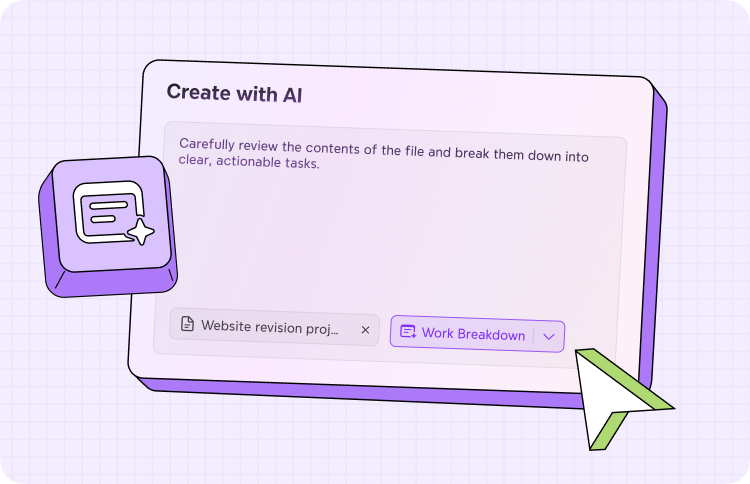
Break big goals into steps |
Transform big goals into actionable plans in seconds with AI Work Breakdown, so projects start with clarity, not chaos. |
|
|
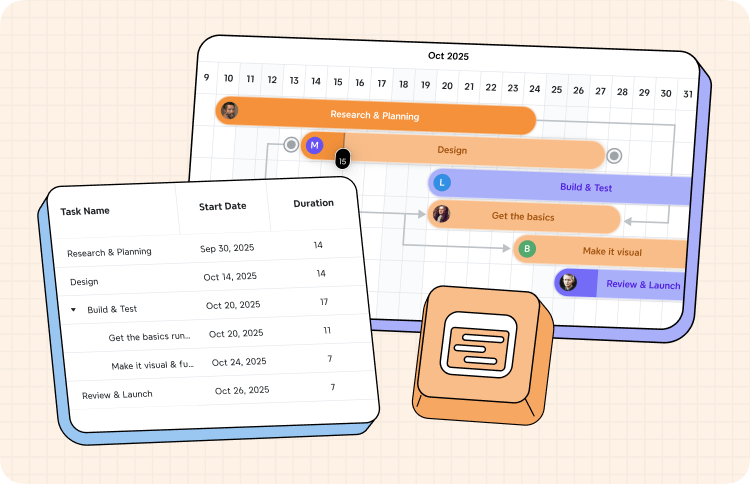
Keep your projects on track
|
Track progress, see dependencies, and stay on track with Xmind Gantt — all without switching tools. |
|
|
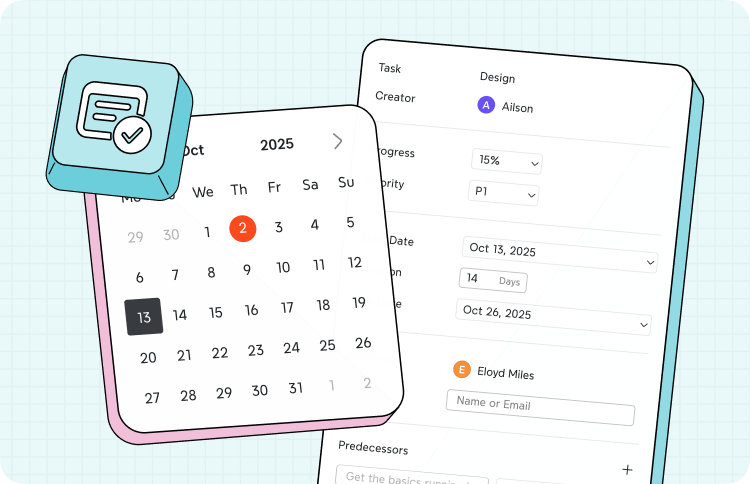
Handle tasks with ease |
Turn ideas into action inside your mind map with Task — or export them to the tools you already use whenever you need. |
|
|
And More Ways to Help You Flow |
|
|
 |
Thinking Mode |
|
|
|
 |
Smart Guideline |
|
|
|
 |
Markdown Support |
|
|
|
|
|