 |
See how Xmind AI works for you |
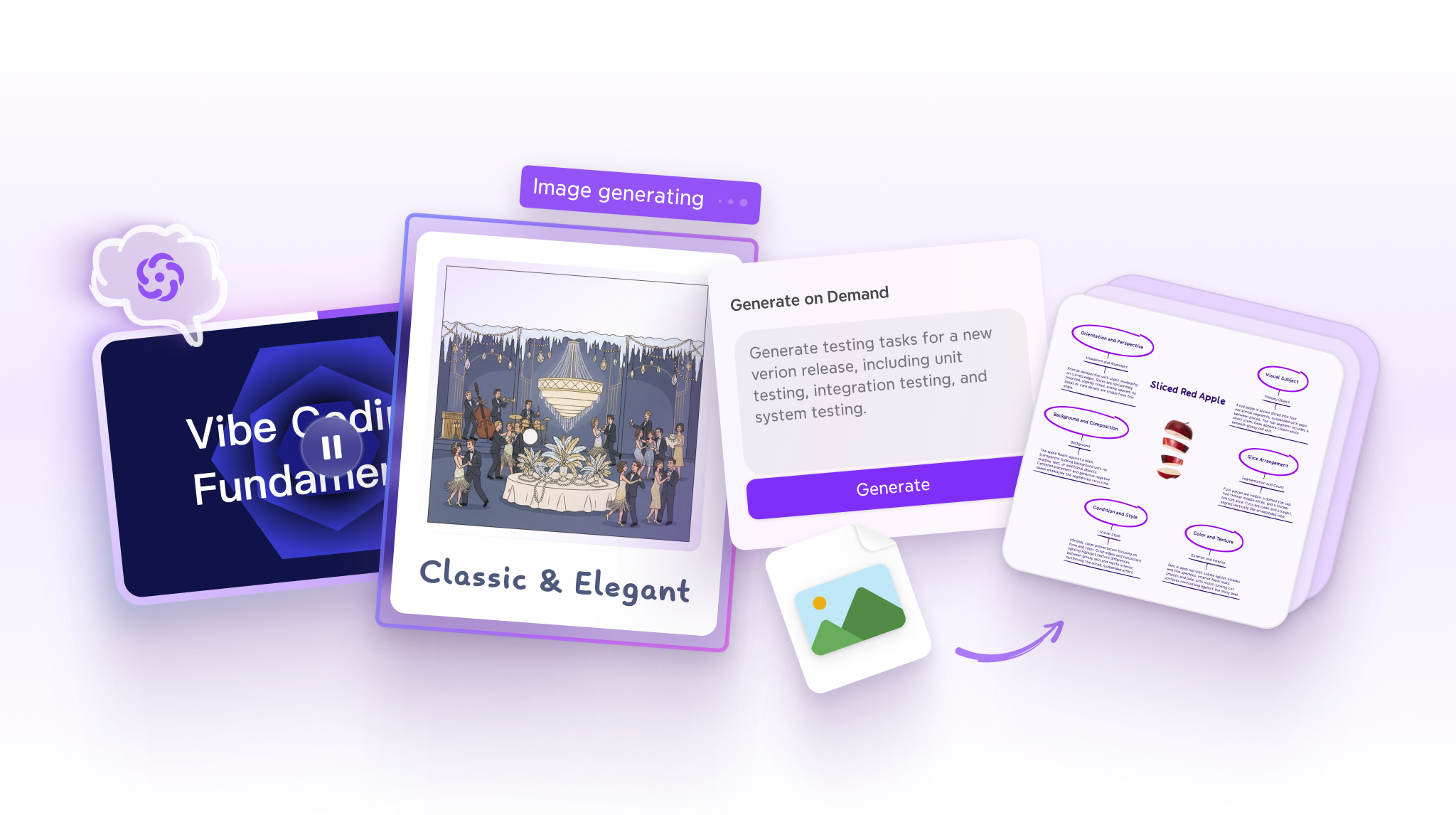
Spending hours retyping notes, hunting for visuals, and polishing presentations? This blog roundup covers three Xmind AI features that handle all of that for you. |
| Get started |
|
|
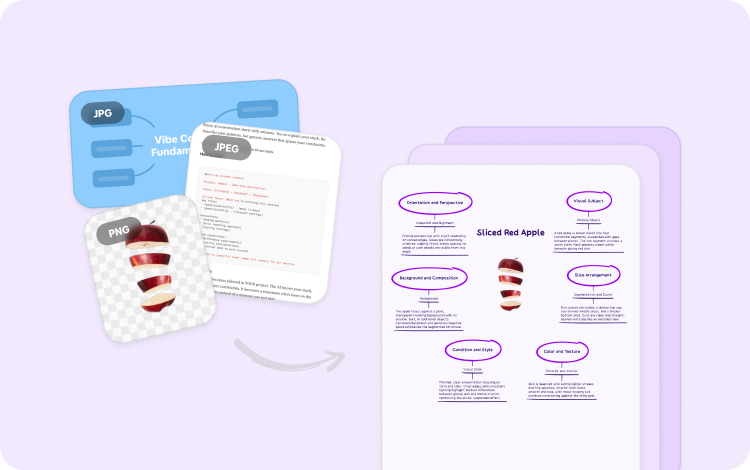
From image to editable map |
Upload an image, and Xmind AI will structure it into an editable map instantly. No retyping required. Read more →
|
|
|
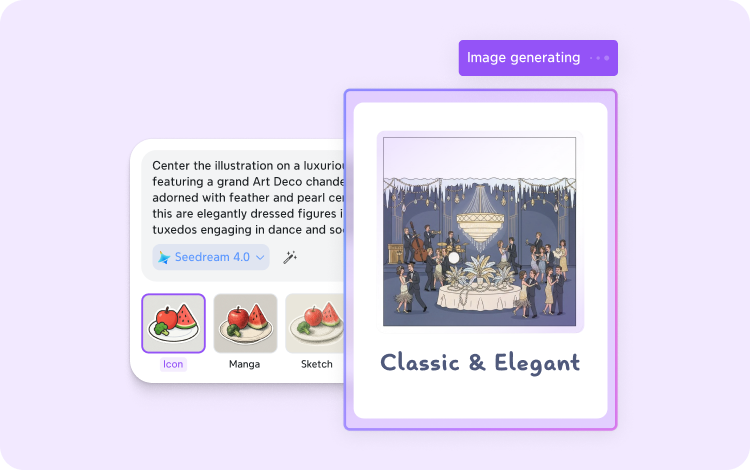
Generate visuals in seconds |
Xmind AI creates images based on your topics. No stock photos, no switching to another tool. Read more →
|
|
|
Turn your map into a pitch video |
Pick a theme, set the duration, add music. Your map becomes a polished video ready to download and share anywhere. Read more →
|
|
|
Your maps can do a lot more than you think. Try these features and see how much faster your work moves from idea to done.
|
|
|
Your maps, powered by AI |
Less busywork. More time for the thinking that actually matters. |
| Get started |
|
|
|
|
|
|
Your maps, powered by AI |
Less busywork. More time for the thinking that actually matters. |
| Get started |
|
|
|